The latest version of cPanel/WHM comes with EasyApache 4.0, which allows you to install and run multiple versions of PHP simultaneously. This feature enables you to assign different PHP versions to various domains and subdomains within your cPanel account.
At Gigocloud, we understand that certain applications, themes, plugins, or modules may require specific PHP versions to function correctly. To accommodate this, we support multiple PHP versions across our hosting environment.
By default, your account is assigned the native PHP version, which is the primary PHP version installed on the server. This version may vary depending on the shared server you are using.
How to Change the PHP Version for Your Account
To switch the PHP version for your account, follow these steps:
-
Log in to cPanel.
-
Once logged in, scroll down to the “Software” section or use the search bar to quickly locate “MultiPHP Manager” (as shown in the image below).
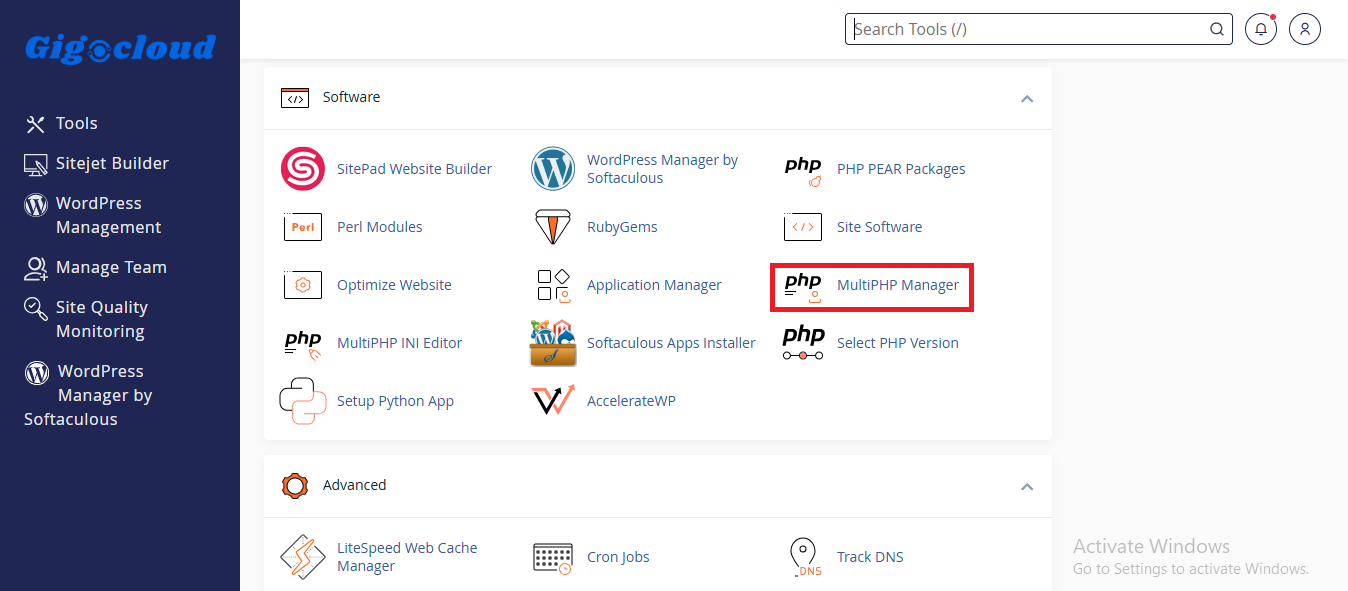
3. Once you have clicked on "MultiPHP Manager", select the domain name you wish to switch PHP version for.
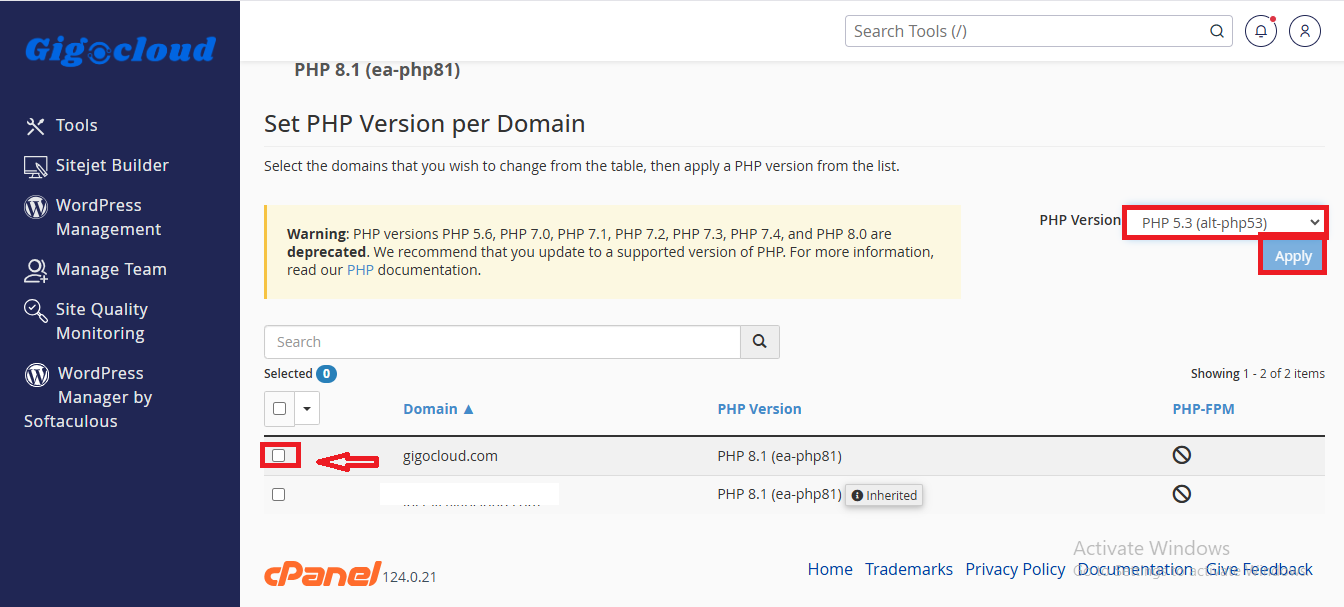
4. Select the version of PHP you want to use listed in the dropdown and click on "Apply".
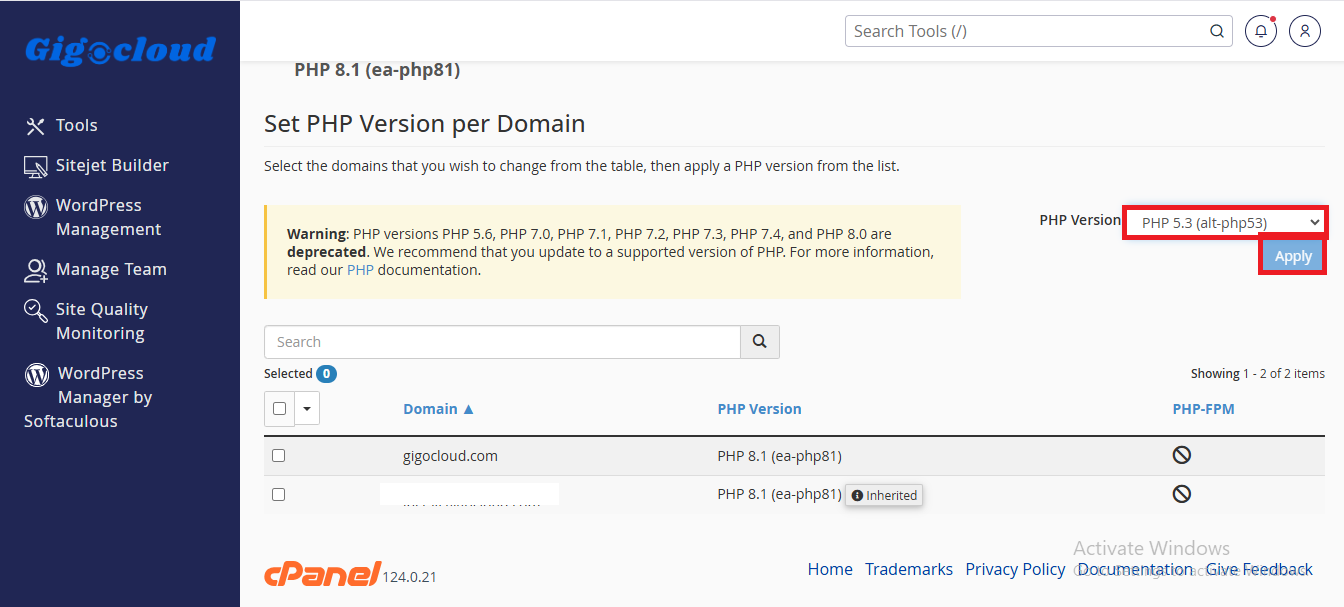
5. Congratulations, you have successfully switched your php version.